.svg)

Store Operations
Intelligent decisions. Physical fulfillment.
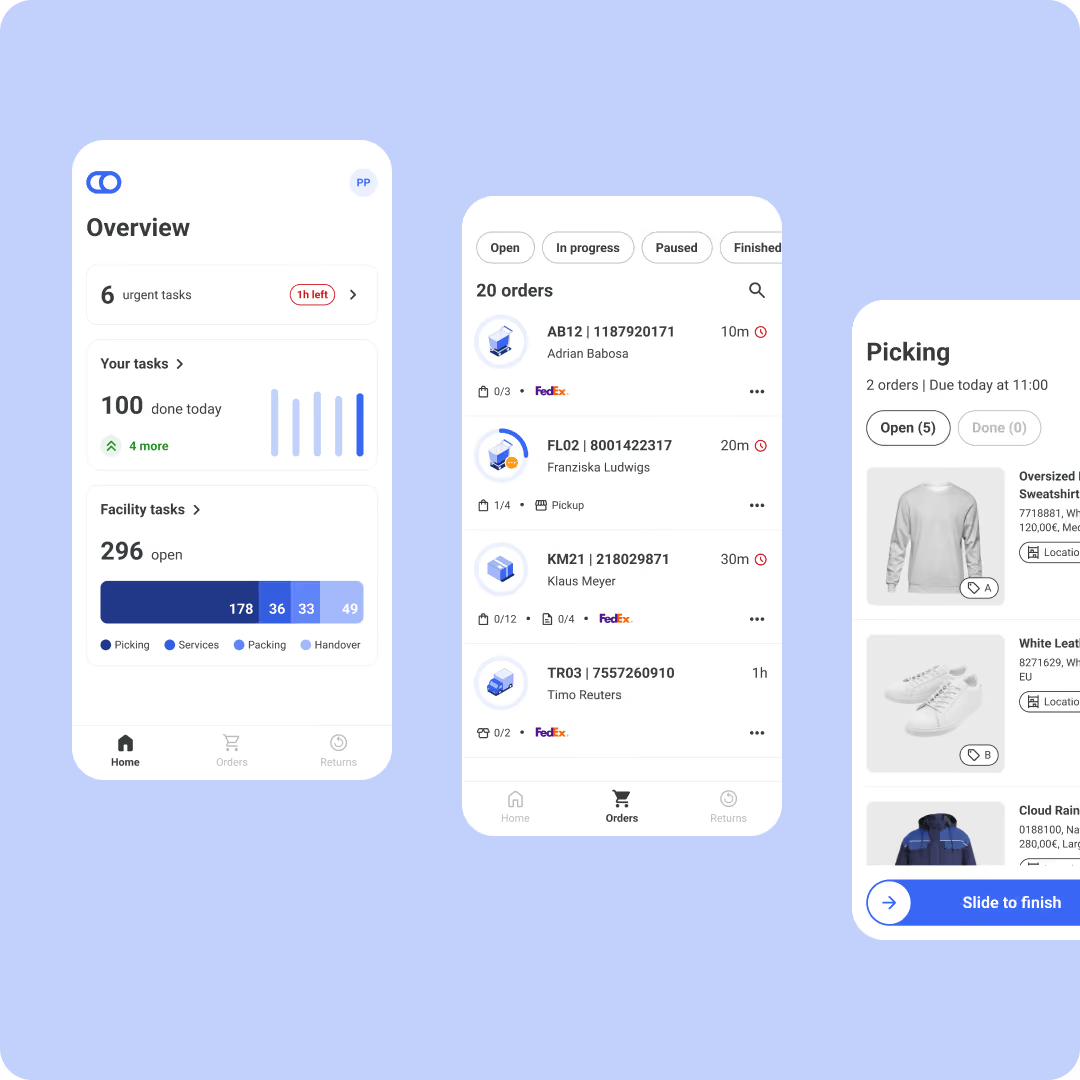
fulfillmenttools manages the entire physical fulfillment process across every facility — from creating pick jobs and multi-order picking to packing, carrier handover, and returns. Every step is guided, tracked, and connected to the routing decisions previously made.
Guided picking & packing
Carrier integration
Built in returns processing


The challenge
Why store fulfillment breaks without the right layer
As more orders are routed to stores, operational complexity grows faster than most teams can manage it. Without a structured fulfillment layer, picking efficiency declines, delivery deadlines are missed, and stores struggle to serve both walk-in customers and online orders simultaneously.

Picking without guidance leads to errors
When store associates pick orders without structured guidance — no optimized routes, no pick job priorities, no visibility into deadlines — errors increase and carrier cut-off times are missed. The result is delayed shipments and broken delivery promises.

No link between routing and store execution
Orders are routed intelligently, but that intelligence stops at the facility door. Without a direct link between routing decisions and operative pick jobs, stores operate in isolation, unaware of priorities, constraints, or the delivery commitments already made to customers.

Fragmented returns reduce inventory accuracy
Without a structured returns process, returned items are assessed and restocked differently across facilities. Inventory accuracy suffers, refund processes slow down, and the returned stock becomes invisible to the routing engine that needs it.

Manual carrier integration per location
When carrier connections, label generation, and handover processes are managed manually at the facility level, inconsistencies multiply. Shipments are delayed, tracking data is incomplete, and operational overhead grows with every new carrier added to the network.
Business impact
Faster, smarter execution at every facility in your network
fulfillmenttools guides store associates through every step of the fulfillment process, from creating a pick job to carrier handover — keeping execution aligned with the routing.

Efficient picking for every order
Pick jobs are created automatically when an order is routed to a facility. Associates are guided through the most efficient sequence, and multi-order picking bundles several orders into a single run. Travel time falls, throughput rises, and capacity stays aligned with order volumes.
Cut-off time management built in
Latest picking start calculations ensure pick jobs begin at exactly the right time to meet carrier cut-offs, no matter how busy the facility gets. The delivery promise made at checkout stays achievable at the facility level, across every shift and every peak, on time and in full.

From picked item to carrier handover
Packing jobs guide associates from picked items to dispatch-ready packages, with configurable container types per facility. Carrier connections, shipping labels and handover are managed directly in fulfillmenttools, with the right carriers for every location.

Inventory flows back into the network
Returns are received, assessed and restocked through a structured process, and interfacility transfers manage stock movements end to end. Returned and transferred inventory is immediately visible to routing, so availability stays accurate and nothing sits idle.

Value-added services alongside fulfillment
Custom services such as gift wrapping, engraving or assembly are added to orders and managed as service jobs alongside the standard picking process, without disrupting operative flow. The premium experience your brand promises, executed in the same workflow.

The execution layer of the Agentic OMS
The network decides, the store executes. Routing decisions arrive as clear, guided tasks, and what happens at the shelf flows straight back: a shortpick reported during picking becomes the signal the Order Monitoring Agent acts on, resolving the risk before your customer feels it.
Core capabilities
Complete operations from pick job to delivery
fulfillmenttools covers every operative step in the facility, from structured picking and packing to carrier integration, returns processing, and interfacility transfers.
Picking
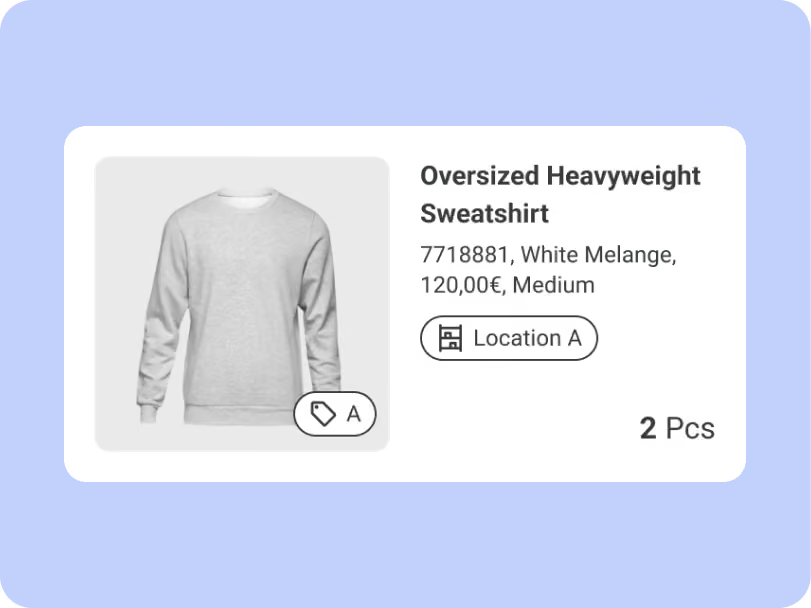
Structured pick jobs guide associates through the facility with optimized routes, location advice, and deadline visibility. Multi-order picking, latest picking start, and headless picking are supported in every setup.
Packing
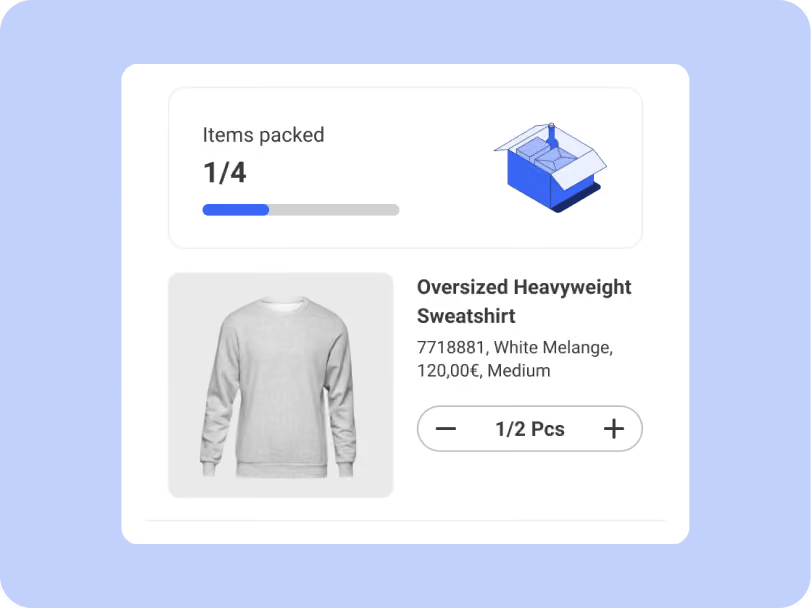
Pack jobs guide associates from picked items to dispatch-ready packages. Configurable container types ensure packing is consistent and aligned with carrier requirements across every facility.
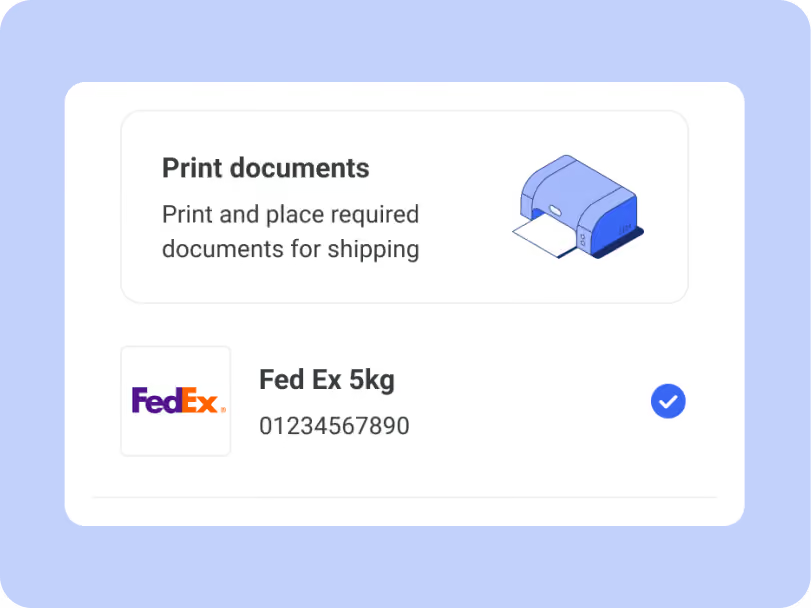
Carrier management
Connect any carrier directly to fulfillmenttools. Shipping labels are generated automatically, handover processes are structured, and custom carrier configurations support specific requirements.
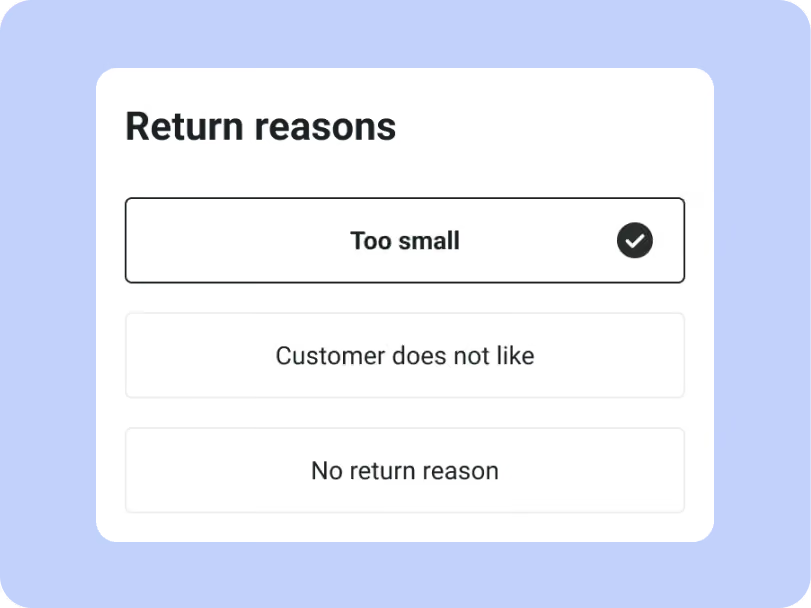
Returns
Returns are received, assessed, and restocked through a structured process at the facility. Returned inventory is immediately visible to the routing engine, keeping availability data accurate across the network.
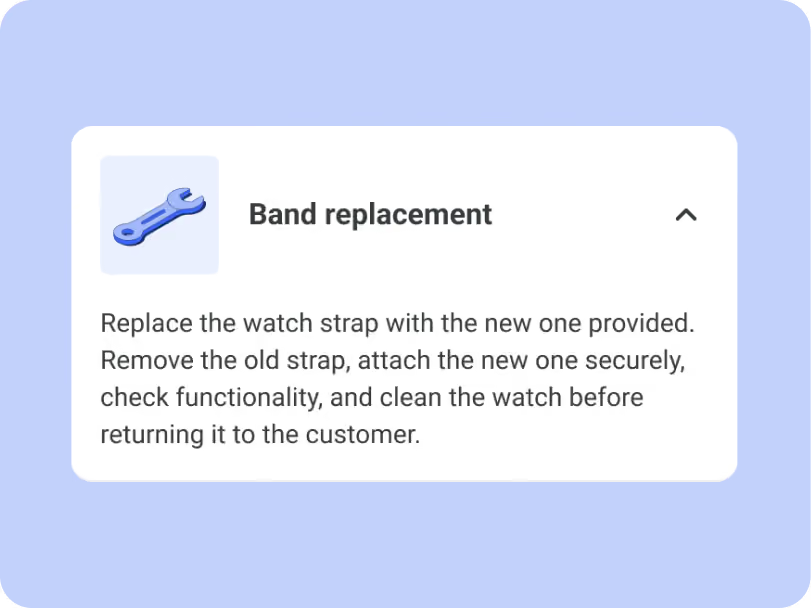
Services
Custom services such as gift wrapping, engraving, or assembly are managed as service jobs alongside the standard fulfillment process. Bundled line items combine products and services in a single flow.
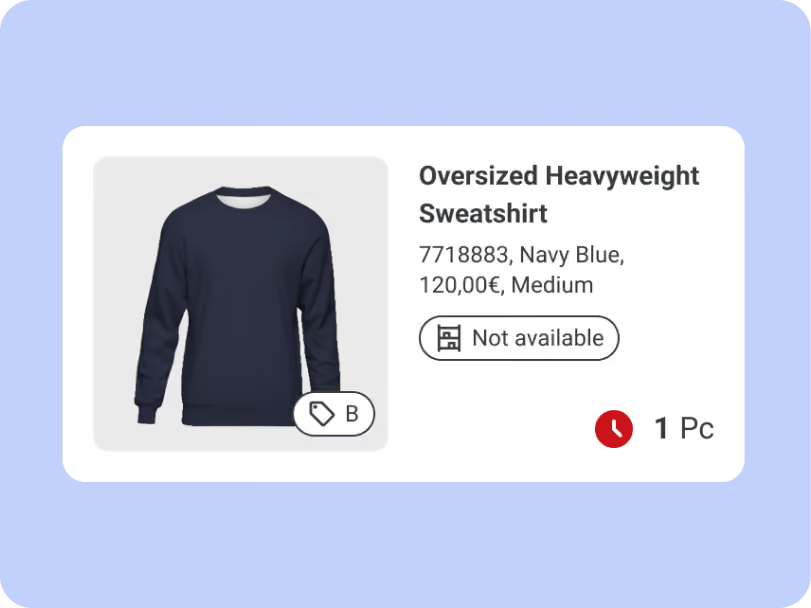
.png)
.png)
.png)


Who benefits
Built for every team involved in fulfillment decisions
Store Operations helps different teams solve the same challenge from different perspectives. Improve fulfillment decisions across logistics, commerce, IT, and management.
Intelligent fulfillment control
Improve efficiency across the network
Disconnected systems slow down your operations and increase costs. Our AI-driven Order Management System orchestrates fulfillment across all channels in real time. Reduce delays, improve stock usage, and stay in control without a complex setup.

Better customer experiences
Deliver what your customers expect
Customers expect fast, reliable delivery — every time. fulfillmenttools seamlessly connects your channels and fulfillment logic. Launch new delivery options quickly and adapt without relying on heavy IT projects.

Integrate without friction
Connect systems without effort
Legacy integrations slow down innovation and drain resources. Our Agentic Order Management System is built for fast, flexible integration into your existing stack. Go live quickly and adapt without rebuilding your architecture.

Cut costs and gain network control
Enhance operations while reducing cost
Disconnected channels lead to inconsistent customer experiences and lost revenue. fulfillmenttools unifies inventory, orders, and fulfillment across your retail network. Create consistent journeys online and in-store, without operational friction.

Frequently asked questions
Everything you need to know about picking, packing, carrier integration, and returns management in fulfillmenttools Store Operations.
All topics
Picking and packing
Carriers and handover
Returns and transfers
How does fulfillmenttools guide store associates through the picking process?
When an order is routed to a facility, a pick job is created automatically. Associates are guided through the facility with an optimized pick sequence based on storage locations and zones. Priority, deadline visibility, and real-time updates keep the process aligned with carrier cut-off times and delivery commitments.
Can multiple orders be picked at the same time?
Yes. Multi-order picking allows associates to pick several orders in a single run through the facility. Batch pick jobs reduces travel time, increases throughput, and keeps fulfillment capacity aligned with order volumes — particularly during peak periods.
How is carrier integration managed across facilities?
Carrier connections are configured at the network level and applied per facility based on location and order profile. Shipping labels are generated automatically during packing or handover. Custom carrier support ensures that facilities can work with any carrier, including regional and specialist providers.
How does the returns process work?
Returns are received and processed at the facility through a structured workflow in the Returns app. Each returned item is assessed and restocked according to configurable rules. Returned inventory is reflected in the Global Inventory Hub immediately, keeping availability data accurate for routing decisions across the network.
Can stock be transferred between facilities?
Yes. Interfacility transfers allow inventory to be moved between locations within the network. A transfer order manages the full process, from initiation and dispatch at the sending facility to receipt and restocking at the destination. Stock visibility is maintained throughout the transfer.
Store Operations
Turn stores to reliable fulfillment nodes
See how fulfillmenttools turns your stores and warehouses into efficient, connected fulfillment nodes — guided by intelligent routing decisions and executed with precision.